GPT Image 2.5 Sunburst
Create and edit images from text and image inputs. Choose Sunburst when editing precision matters most.
Read OpenAI’s Sunburst documentationTwo models, two creative priorities. Choose precise editing or fast everyday image generation.
Create and edit images from text and image inputs. Choose Sunburst when editing precision matters most.
Read OpenAI’s Sunburst documentationGenerate high-quality everyday images quickly. Flare accepts text and image inputs and produces image outputs.
Read OpenAI’s Flare documentationModel information checked against OpenAI’s official documentation on September 12, 2026.
Explore an AI video generator, AI image generator, voice and music workflow designed to move from first prompt to final story.
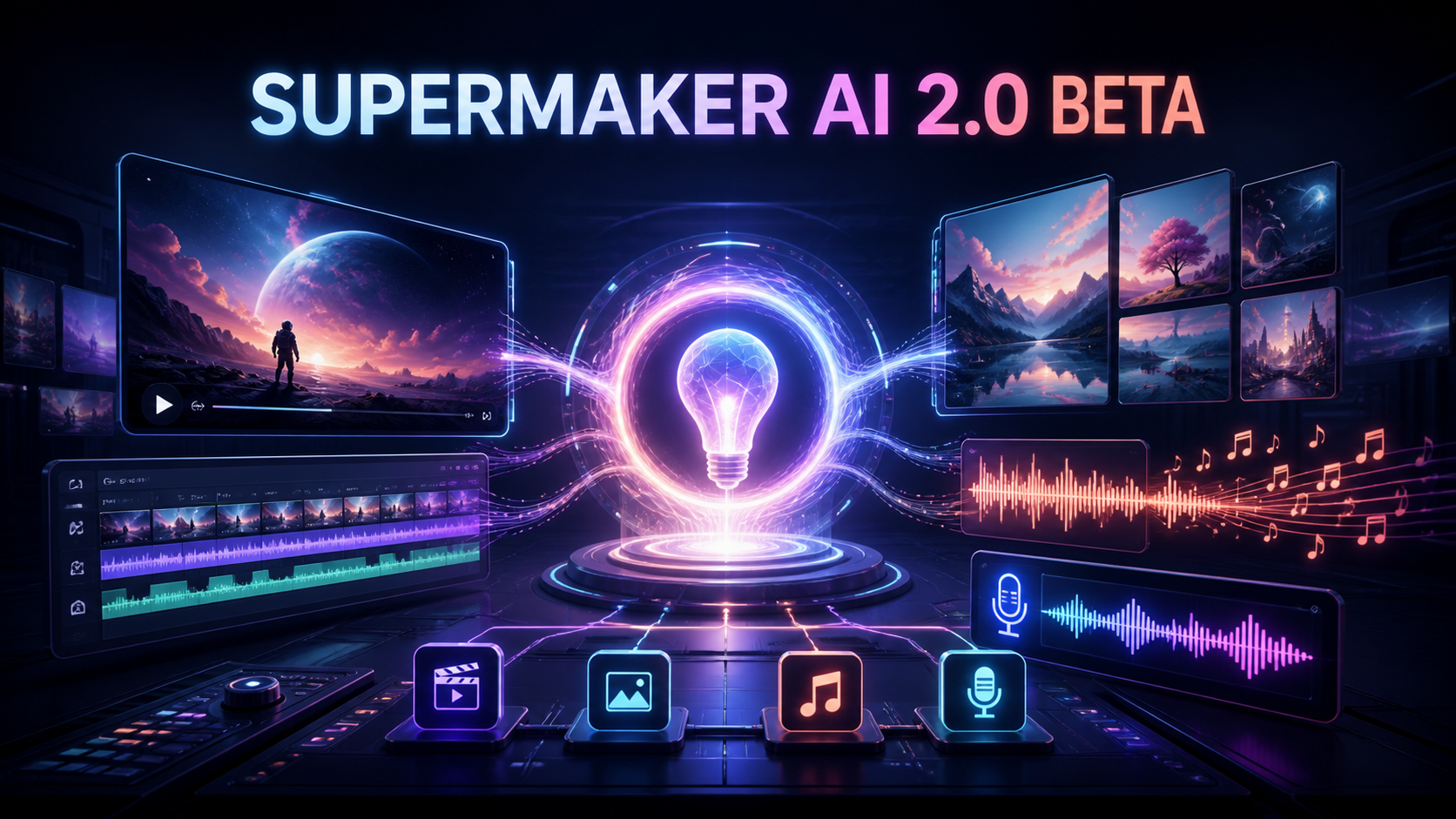
FREE CREATION STUDIO · NO SIGN-UP
Generate an image or video without leaving the homepage. Switch tools at any time; the selected generator loads in the full-height workspace below.
Loading the free image generator…
The full creative workspace will appear here.Turn a goal into scenes.
Generate keyframes and art.
Choose the right video model.
Add voice, music and sound.
Compare leading AI video models by workflow, motion, style and sound—then open a dedicated page for the details.
Chat- and brief-led end-to-end video workflow for coordinating image, motion, voice and music from one production plan.
Open model guide →02 / SuperMaker · Canvas StudioNode-based infinite canvas for Text → Image → Video pipelines, multi-model routing, batch variations and visual project history.
Open model guide →03 / Krea · Image DirectionAn expressive foundation image model that helps production teams turn moodboards and style references into approved visual language.
Open model guide →04 / Alibaba · Video FamilyA fresh text, image, and reference-to-video family that lets each production stage begin from the strongest available asset.
Open model guide →05 / ByteDance · Extended VideoA longer-form audio-video model with flexible references, editing, and extension for building connected story beats.
Open model guide →06 / Qwen · Generate + EditA current image family for creating production frames and making targeted revisions without discarding approved composition.
Open model guide →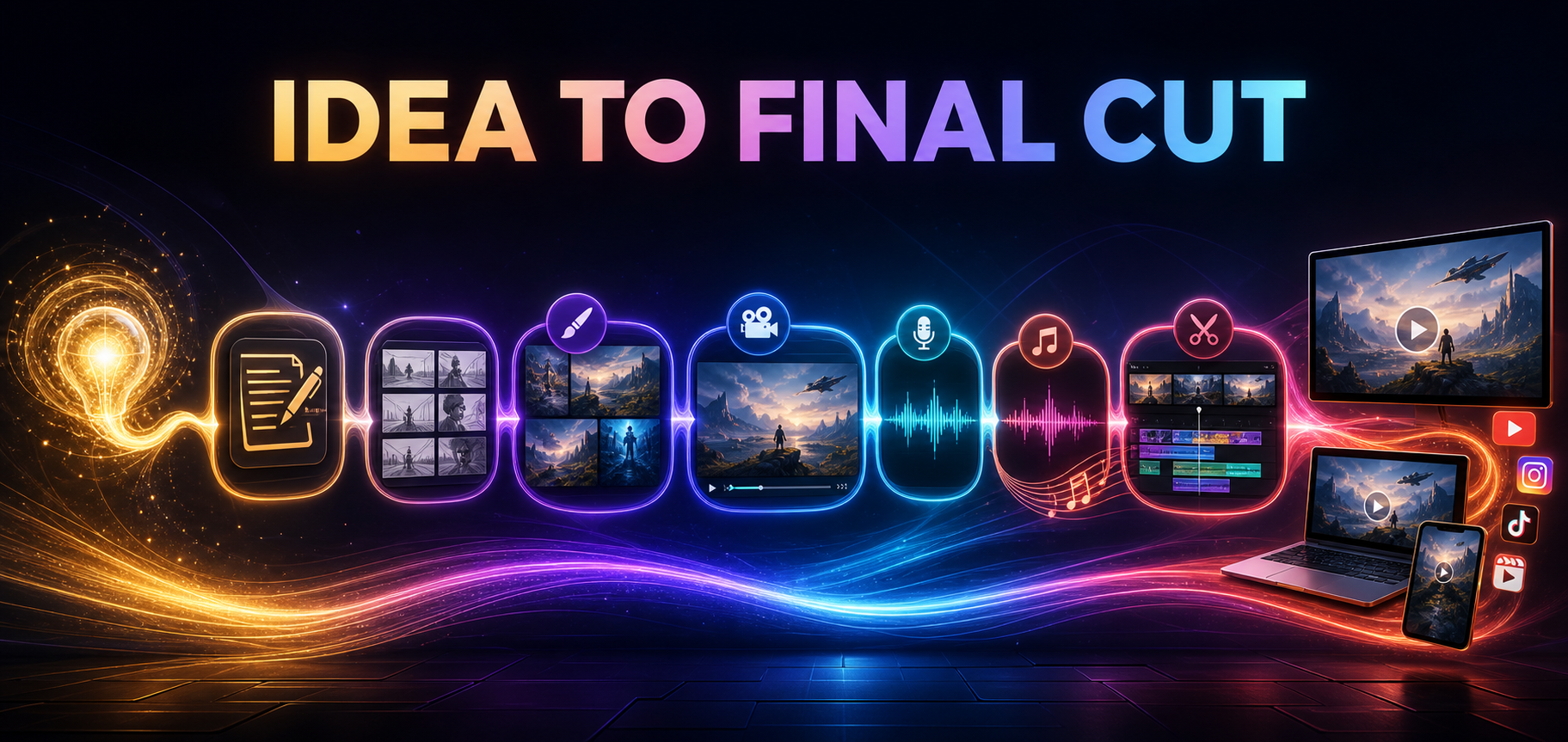
Build a strong source image, select a video model around the shot, and describe only the motion and camera behavior that need to change over time.
A connected workflow can combine script planning, AI image generation, AI video generation, voiceover and music so each asset serves the same story.
Different models emphasize motion, realism, sound, reference control or stylization. Choosing per shot gives creators more control than forcing every scene through one engine.
Check the script first, then visual continuity, factual claims, pronunciation, music balance, captions and safe zones in the actual destination format.
FEATURES & WORKFLOWS
Move from script to visuals, motion, voice and music with focused guides for each stage. Updated 2026-09-15 with voice-music pipeline and September production notes.
Independent SuperMaker AI review 2026 — is it worth it given thinner coverage? Verify pricing and samples yourself.
Open the relevant guide →Compare model routes by deliverable, control, review risk and cost per approved output.
Open the relevant guide →A 2026-09-17 update on SuperMaker AI workflow, Canvas Studio, agent briefs and a fair Polox comparison.
Open the relevant guide →Connect SuperMaker AI agent briefs, Canvas Workflow Studio nodes and review gates for repeatable multimodal production.
Open the relevant guide →A source-linked definition of SuperMaker AI as a multimodal creative agent with video, image, voice and music workflows.
Open the relevant guide →Understand node-based Text → Image → Video pipelines, multi-model routing and how canvas differs from a single-prompt generator.
Open the relevant guide →Gate narration, bed music and loudness after visual timing is locked—new feature guide dated 2026-09-15.
Open the relevant guide →Plan scripts, shots, voice, music and final assembly as one connected production rather than isolated generations.
Open the relevant guide →Turn a goal, audience and source material into a reviewable outline, shot plan and edit checklist.
Open the relevant guide →Translate a campaign goal into sources, scene constraints, approval gates and measurable output checks.
Open the relevant guide →Long-form production update on agent, canvas and audio gates dated 2026-09-15.
Open the relevant guide →Earlier long-form product update on Canvas Workflow Studio, agent workflows and evaluation scorecards.
Open the relevant guide →Assess its all-in-one production proposition with sourced facts and a repeatable evaluation method.
Open the relevant guide →Create reference poses with clear anatomy, camera angle and wardrobe constraints before animation.
Open the relevant guide →POPULAR QUESTIONS
It can be worth trying as a multi-model all-in-one, but independent coverage is thinner. Verify live pricing and sample outputs yourself.
Read the supporting page →Keep the brief and acceptance checks fixed, change one model or control at a time, and measure cost per approved result.
Read the supporting page →SuperMaker AI is marketed as an all-in-one creative platform with an AI Video Agent Workflow and Canvas Workflow Studio spanning video, image, voice and music. Confirm current modules on the official site.
Read the supporting page →Canvas Workflow Studio is SuperMaker’s node-based infinite workspace for connecting text, image and video generation into repeatable pipelines. Verify live models and limits on the official studio page.
Read the supporting page →Lock visual timing first, then brief narration and bed music as separate approval gates before publish. See the voice-music pipeline guide.
Read the supporting page →Its official product positions video, image, voice and music tools in one creative workflow. Confirm current features on the official site.
Read the supporting page →Model catalogs change quickly. Use our model directory for comparison, then verify live access and limits inside the official product.
Read the supporting page →Features, plan limits and export options can change. Confirm current details on the official SuperMaker website before committing a production schedule. Brand names belong to their respective owners. This site is an independent guide and is not affiliated with SuperMaker.
SUPERMAKER MODEL LIBRARY · AUGUST 2026
Explore image and video models by scene type, motion, sound and continuity, then connect the selected output to voice, music and final assembly.
Cinematic text-to-video, image-to-video and video editing with native synchronized audio.
Open model guide →MiniMax · AI video generatorOpen-weights audiovisual generation with text, first/last frames and multimodal references.
Open model guide →Alibaba · AI video generatorLonger multimodal video generation with flexible duration, references, audio and continuity controls.
Open model guide →Black Forest Labs · Multimodal generatorEarly-access multimodal model direction spanning video, image, synchronized audio and action prediction.
Open model guide →Krea · AI image generatorAesthetic image foundation model designed for expressive generation and creative control.
Open model guide →Alibaba Qwen · AI image generatorCurrent Qwen image family for prompt-led generation, editing and visually precise iteration.
Open model guide →ByteDance Seed · AI image generatorByteDance Seed's July 2026 image model for stronger image-text alignment, structural coherence, text rendering, visual aesthetics, and complex information visualization.
Open model guide →ByteDance · AI image generatorProduction image generation and editing model for detailed prompts and controlled visual revisions.
Open model guide →ByteDance · AI image generatorEarlier Seedream image model useful for comparing prompt interpretation, style and editing progress across releases.
Open model guide →OpenAI · AI image generatorNatural-language image generation and multi-reference editing for precise creative revision.
Open model guide →Google · AI image generatorFast Gemini image generation and editing with high-resolution output and localization features.
Open model guide →Google · AI image generatorHigher-detail Gemini image route focused on 4K-capable generation and editing.
Open model guide →SuperMaker AI · CREATIVE WORKFLOW
An independent board-game launch needs a clear explanation of the world, the components and the experience of play. A script, a collection of generated images and a soundtrack should all support that same idea. Start with the story you need to communicate, then decide which medium carries each part most clearly.
Keep a shared visual brief for the game board, pieces, palette and environment. Build motion around approved assets, time narration against the edit and choose music that leaves room for the explanation. Review the final sequence as a complete launch message rather than approving its parts in isolation.
Use one shared brief and a small set of approved reference assets. Record decisions that affect multiple stages, such as color, tone, timing and product appearance.
Establish its intended role during planning, then refine the selection against the actual edit and narration. A good track still needs to fit the pacing of the finished piece.
THE CREATIVE NOTEBOOK
Explore a focused tutorial, a practical prompt guide and a real-world planning exercise. Each guide includes an original brief and a checklist for reviewing your result.

NEW CREATIVE GUIDE
A miniature planetarium launch: explore two original concept images, prompts and a practical production brief.
Explore the SuperMaker AI creative guide →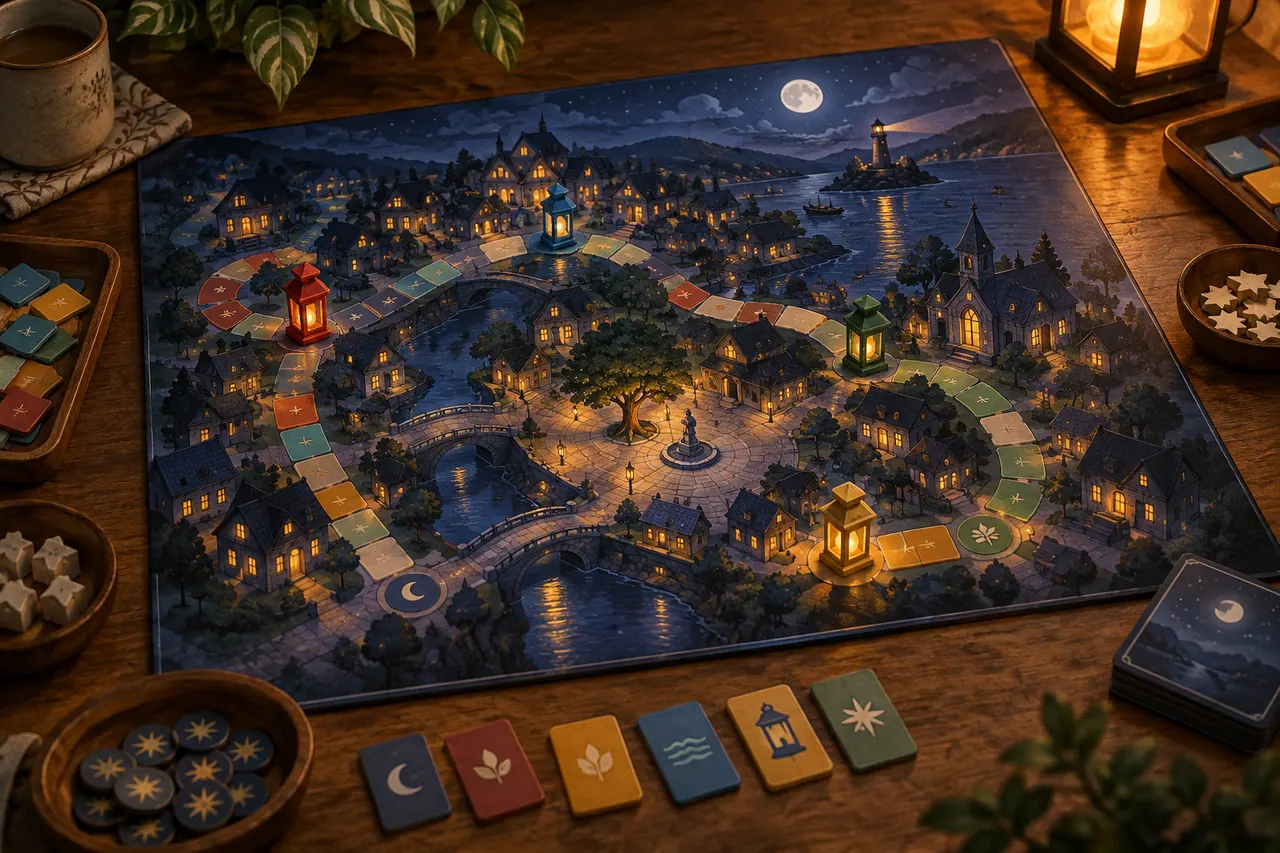
NEW IN THE JOURNAL
Plan a SuperMaker AI launch package for an independent board game, connecting script, images, video, voice and music through one creative brief.
Read the complete guide →