Try the latest PoloX AI Agent
One creative workspace for your next idea.

INDEPENDENT GUIDE · SuperMaker AI

SuperMaker AI Creative Studio: Plan a Complete Content Concept

A SuperMaker AI content concept can serve several formats when the central idea is clear. Our miniature planetarium exercise starts with a model-like exterior and an atmospheric interior. The exterior introduces the object; the interior suggests the visitor experience. Together they can guide an announcement image, a short opening sequence and a concise narrated introduction without requiring a separate creative direction for each asset.

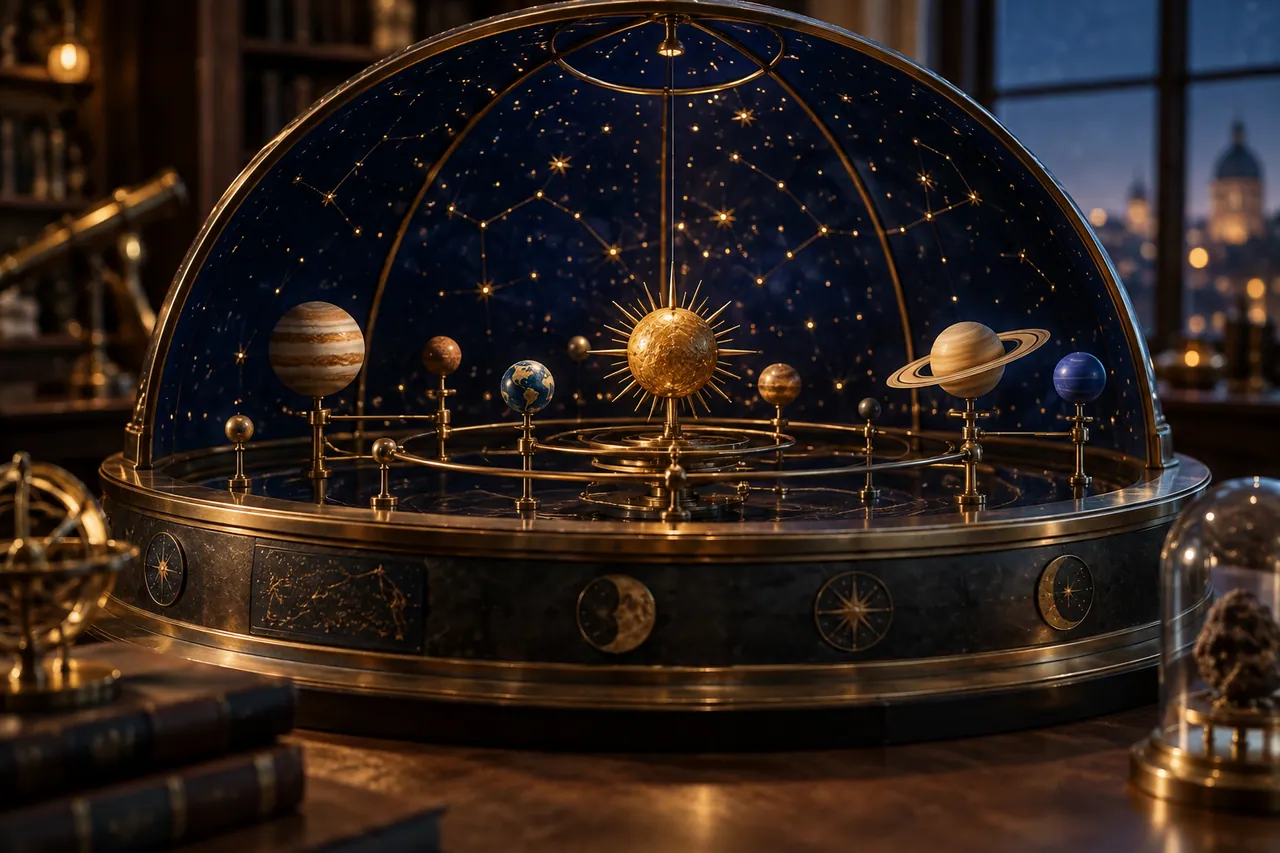
A miniature planetarium with a dark blue dome and polished brass stars on a circular exhibition table.
AI-generated concept illustration for this independent SuperMaker AI guide. A miniature planetarium with a dark blue dome and polished brass stars on a circular exhibition table.

THE BRAND & THE BRIEF

Explore SuperMaker AI with a clear creative goal

SuperMaker AI combines video, image, voice and music creation with effects and creative tools. This page focuses on AI video, image and multimedia creative planning through an original exercise: a miniature planetarium launch.

Use the examples to plan your own tests. They are editorial concept illustrations created for this guide, not screenshots, product benchmarks or outputs generated by SuperMaker AI.

Visit the official SuperMaker AI website ↗

01 / VISUAL DIRECTION

Two image prompts for a miniature planetarium launch

Use the first composition to establish the idea and the second to explore a related detail. Adapt the wording and reference inputs to the tool you choose; these prompts describe the creative intent, not a guaranteed result.

PROMPT 01

Establish the visual idea

A miniature planetarium with a dark blue dome and polished brass stars on a circular exhibition table, elegant cinematic miniature photography. One coherent composition with a clear focal point and natural material detail. Landscape framing. No text, logos, watermarks or decorative borders.
PROMPT 02

Develop the supporting view

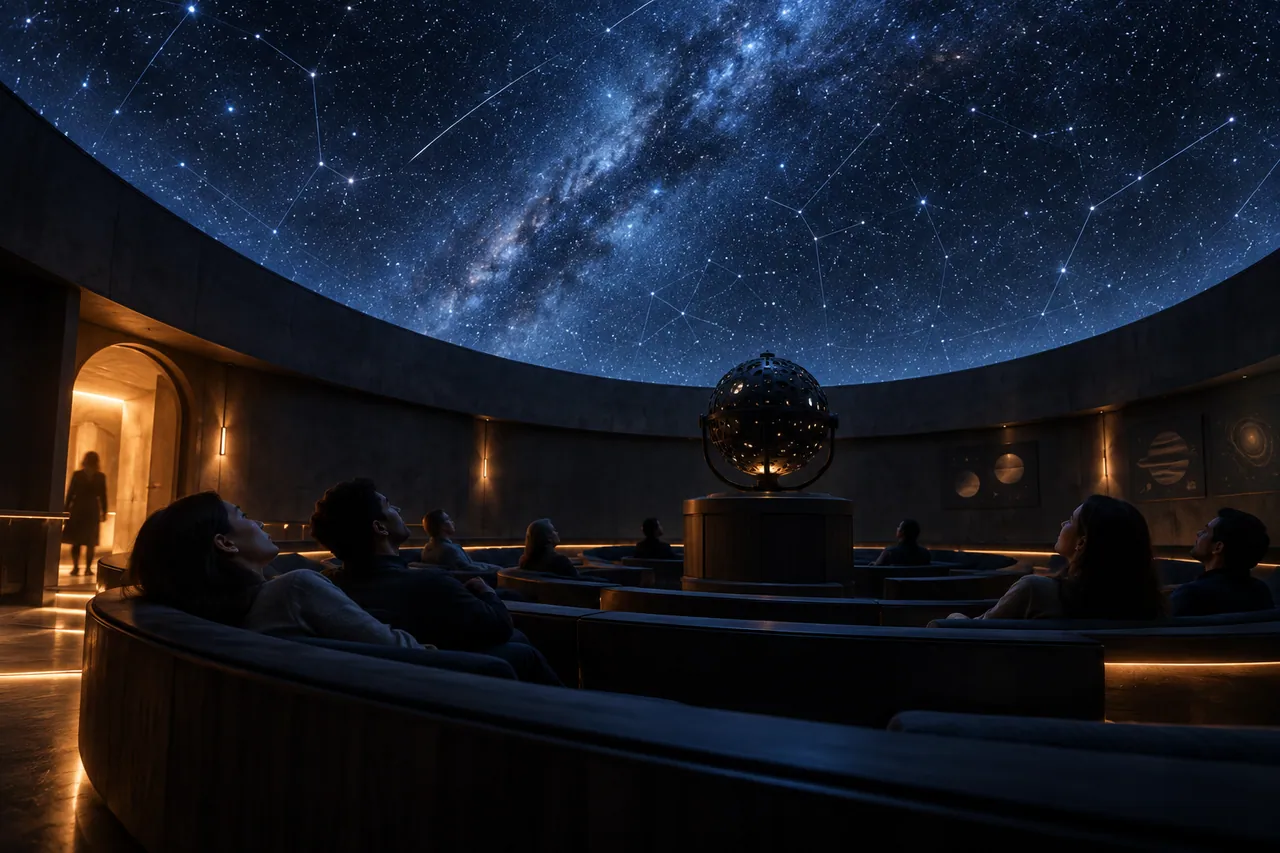
Inside a small fictional planetarium, soft blue projected stars above curved benches and one warm entrance light, atmospheric cinematic architectural image. One coherent composition with a clear focal point and natural material detail. Landscape framing. No text, logos, watermarks or decorative borders.

02 / MAKE THE DECISIONS

A practical SuperMaker AI workflow

01

Choose the asset before the tool

Write down the intended output: a still announcement, an animated reveal or a spoken introduction. Then choose a workflow that supports that output. A model list is easier to navigate when you know the job each asset must perform.

02

Keep the visual identity stable

Repeat the blue dome, brass details and warm entrance light in the prompts. The interior should feel related to the miniature exterior even if its viewpoint changes. Avoid adding text or signage until the actual event details are confirmed.

03

Join the media deliberately

Plan where narration explains something the picture cannot. Use music to support the reveal and leave room for the first interior view. A short assembly should have a beginning, a clear visual destination and one next action.

Inside a small fictional planetarium.
AI-generated supporting concept. Inside a small fictional planetarium.

03 / REVIEW BEFORE EXPANDING

What to check in your SuperMaker AI creative brief

A large tool catalog can encourage experimentation without a finished purpose. Limit the first pass to two approved images and one simple motion idea. If the planetarium changes scale between shots, clarify whether the sequence is a miniature concept or a full-size imagined venue before adding more material.

Keep the source prompt, selected reference and revision note together. Compare the next version at its intended display size, and record the specific improvement you want before generating another variation.

PRACTICAL ANSWERS

SuperMaker AI creative planning questions

How do models, effects and tools differ in planning?

Treat models as generation choices, effects as specific visual transformations and tools as task-oriented workflows. Start with your desired result, then check the current options on the official site.

What is a good first multimedia deliverable?

Create a short sequence from an establishing view and a detail, with a concise voice or title. Expand once the relationship between image, motion and message is clear.

THE CREATIVE NOTEBOOK

Learn with SuperMaker AI

Explore a focused tutorial, a practical prompt guide and a real-world planning exercise. Each guide includes an original brief and a checklist for reviewing your result.

Independent educational content. This website is not the official SuperMaker AI service. For current model availability, account features and plans, check the official website linked above.

YOUR NEXT CREATIVE STEP

Try PoloX AI Agent

Turn your ideas into images, videos, and more through conversation. Describe what you want to create and start on PoloX.

EXPLOREGPT Image 2.5
Sunburst & Flare
Try PoloX AI Agent