A launch package begins with one promise
An independent board game can be difficult to explain in a single image. The box communicates a world, the components suggest decisions, and the people around the table reveal the experience. A useful SuperMaker AI production plan connects these layers without asking every asset to explain everything. The campaign needs one promise that survives across its trailer, still images, short clips, narration, and music.
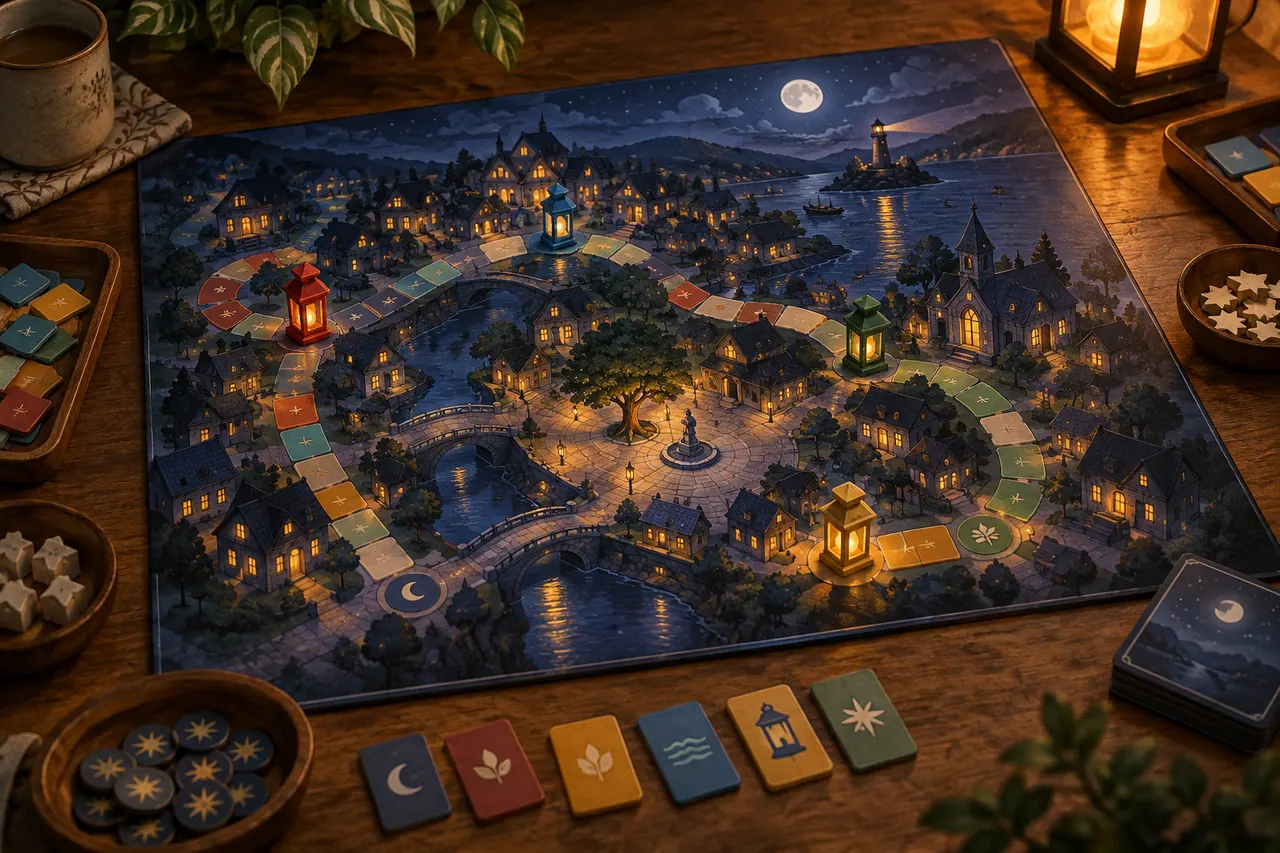
This guide develops an original fictional game called Lantern Routes. Players act as night couriers who connect neighborhoods with colored route tiles before a shared clock reaches dawn. The invented production brief describes a cooperative game for a small group, but no player count, playing time, age rating, price, or release date is treated as a real commercial fact. Those details would come from a publisher's approved specification sheet before an actual launch.
The campaign promise is simple: build a route together while the city sleeps. It suggests collaboration, a tactile puzzle, and a warm nighttime atmosphere. It does not promise an epic battle or a competitive race. Those distinctions guide which generated images feel appropriate and which attractive ideas belong to a different game.
SuperMaker's official site presents image, video, voice, and music generation alongside workflow tools. The production methods below are an independent editorial approach to coordinating those media. Check the current interface, supported models, export options, and account conditions before relying on a particular operation. The objective is a coherent launch package, with approved source material and clear decisions at each handoff.
Separate the game from the world around it
The fictional city can support imaginative AI generation, while the physical game requires accurate representation. Treat these as two different asset classes. A painted aerial view of lanterns above rooftops may communicate atmosphere. A photograph of the box contents communicates what a buyer receives. They can appear in the same trailer, but their purposes and standards differ.
Create a product truth folder containing the approved box artwork, rulebook, component photographs, packaging dimensions, and current sales copy. For this exercise, imagine a cream board with indigo streets, amber lantern markers, and square route tiles. Once those objects are approved, their shapes and quantities should remain consistent. Do not let a generated scene invent extra miniatures or substitute a different board.
Create a separate world reference folder for mood and storytelling. This can contain original sketches of narrow streets, rooftop gardens, glowing windows, and courier silhouettes. These images are not evidence of included components. Label them as campaign illustrations or world concepts so an editor cannot accidentally use one as a box contents photograph.
This separation becomes especially useful when a beautiful generation exaggerates the product. A giant carved city board might look impressive but misrepresent a modest tile game. Keep the imaginative city in a clearly cinematic opening and transition deliberately to authentic tabletop material. The audience can enjoy the fictional world while still understanding the actual object being offered.
Write a creative brief that can travel between media
A brief for AI multimedia production should state the audience, desired response, emotional tone, product facts, and constraints in ordinary language. Lantern Routes is aimed, within this exercise, at people who enjoy cooperative tabletop evenings and satisfying spatial decisions. The intended response is curiosity about how the group creates a connected network, followed by a visit to an information page.
Describe the tone with observable choices. Warm light pools against deep blue streets. The camera observes deliberate hands and small discoveries. The voice speaks with inviting clarity rather than theatrical urgency. Music begins with a sparse repeating motif and develops as routes connect. These instructions are more actionable than asking every tool to produce something premium, magical, and engaging.
Write down what the campaign must show. It needs one recognizable view of the board, one understandable route connection, one glimpse of collaboration, and one legible final title. Also state what it must not imply. There are no electronic components, no moving physical miniatures, and no established customer testimonials in this fictional brief.
Keep the brief short enough that every collaborator can read it before working. Attach more detailed references underneath rather than burying the central promise in a long prompt. When moving from image generation to voice or music, carry the same promise forward but translate its expression. A blue palette is a visual instruction; an unhurried opening phrase is an audio instruction serving the same mood.
Define the deliverables before making assets
The launch package in this exercise contains a primary trailer, two short social edits, a landing page hero image, three explanatory stills, and a compact press folder. Each item answers a different question. The trailer introduces the experience. Short edits present a single intriguing moment. The explanatory stills make a mechanic understandable. The press folder gives someone else reliable material to describe the game.
Specify an intended destination and viewing context for each deliverable. A trailer embedded on a desktop page can afford a wider tabletop view. A vertical clip watched on a phone needs larger components and fewer simultaneous details. A press image needs enough empty space and resolution for someone to place it in a layout without cutting off the game.
Use working durations as planning targets, not promises about platform output. A forty second trailer could contain an atmospheric opening, a concise demonstration, and a closing invitation. A ten second social edit might use just one route connection and a title. The final length should follow clear communication rather than an obligation to fill a preset timeline.
This deliverable map controls production effort. A single approved tabletop photograph may serve several crops, but a complicated hand action may need dedicated framing. Identifying these needs early prevents the team from generating a collection of impressive widescreen scenes and discovering that none can support a readable mobile advertisement or a useful component explanation.
Make a campaign vocabulary with concrete anchors
Visual consistency depends on a small number of repeatable anchors. For Lantern Routes, choose indigo, amber, warm cream, and muted brick as the principal colors. Use rounded window shapes, fine street lines, softly worn paper, and uncomplicated silhouettes. The city should feel welcoming and inhabited without becoming a crowded fantasy spectacle.
The vocabulary should also describe exclusions. Avoid neon billboards, metallic science fiction surfaces, sharp military armor, and gothic ruin. These elements could be attractive in isolation but would move the campaign away from a calm cooperative evening. An exclusion is useful when it protects a meaningful choice, rather than serving as a giant list of every possible unwanted artifact.
Choose one reference image as the campaign's visual anchor after review. Record why it works: the lantern light is warm without being orange everywhere, the streets form understandable paths, and the composition leaves space for a title. These observations become instructions for later assets. Saving only the image without its reasoning makes future revisions harder to evaluate.
Carry the vocabulary into audio through analogy, not literal keyword repetition. A lightly plucked pattern can suggest route building; a soft sustained layer can suggest the sleeping city. There is no need for a voice to repeatedly say lantern, warm, or cooperative. Coherence comes from different media supporting the same experience, each through the properties it handles best.
Build a trailer around changing understanding
A trailer becomes clearer when every section changes what the viewer knows. The opening establishes a city waiting for connection. The next section reveals that this world lives on a tabletop. A short demonstration shows one tile completing a route. A group reaction suggests the satisfaction of solving together. The ending names the game and offers the next step.
Write these changes as a sequence of questions. Where are we? What is this? What do players do? Why might that feel good? Where can I learn more? Answering them in order creates a modest narrative without pretending the campaign is a full rules tutorial. If a shot answers none of them, it needs a strong reason to remain.
The transition from imagined city to physical board deserves special care. A match between an amber window in the illustration and an amber marker on the table can connect the two worlds. It should be an editorial cut or a deliberately designed graphic transition. Do not assume a video model will perform a precise transformation while preserving every component.
Keep the mechanic demonstration short and honest. One tile changes a disconnected path into a continuous route. The narration can explain that everyone works toward the shared network. It does not need to list every exception in the rulebook. The viewer should leave with an accurate first impression and a reason to seek the fuller explanation elsewhere.
Turn the outline into a dependency map
Multimedia assets depend on each other in different ways. The spoken script determines how much screen time an explanation needs. The hero image may define the palette for animated scenes. The approved component photographs constrain the demonstration. A title animation depends on the final game name and logo artwork. Record these relationships before production begins.
For Lantern Routes, approve the factual brief and component references first. Next approve the trailer outline and draft narration. Then develop a visual anchor and a rough audio reading. Only after those decisions should the team generate several motion shots or commission a finished musical cue. This ordering limits the number of polished assets invalidated by a basic story change.
Some work can happen in parallel. An illustrator can explore city atmosphere while a writer simplifies the rule explanation, provided both use the same brief. But the final voice recording should not be locked while the script still contains unresolved product claims. Parallel production helps when dependencies are understood; it creates rework when uncertainty is simply passed downstream.
A simple asset ledger is enough. Give each item an identifier, purpose, input reference, status, and next dependency. Mark an image as approved for color and composition but not component accuracy if that is its actual state. Precise status labels help everyone understand which decisions are safe to build on and which still require review.
Use image prompts to solve specific composition problems
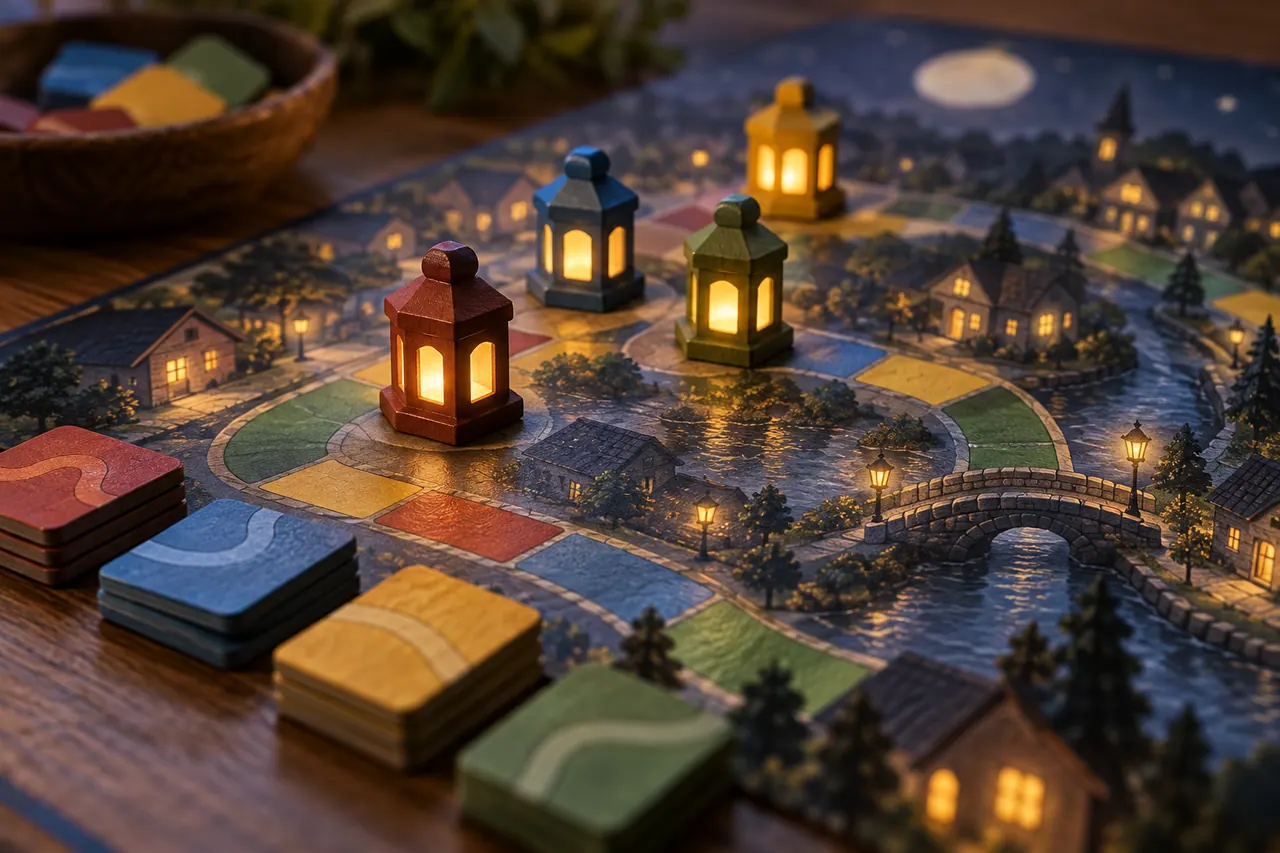
An AI image generator prompt should describe a shot that serves a deliverable. For a landing page hero, the problem is not merely creating a beautiful city. The composition must accommodate a headline, retain interest in a wide crop, and remain visually connected to the physical game. State those requirements directly and keep the subject arrangement simple.
A starting prompt for the fictional campaign could read: Create an original illustrated nighttime neighborhood seen from a gentle elevated angle. Narrow indigo streets form clear connected paths between modest brick buildings. A few amber lanterns guide the eye from the lower left toward the center. Warm cream paper texture, quiet welcoming mood, restrained detail. Keep the upper right area dark and uncluttered for a separately added headline. No written text or recognizable real landmarks.
Evaluate the result at the actual intended crop. A compelling full image may fail once the page places a headline over the brightest building. If the path disappears on a phone, simplify the image rather than describing more miniature details. The useful prompt is the one that produces a workable composition, not the one with the greatest number of aesthetic adjectives.
For readers searching for a GPT AI Image Generator Prompt workflow, the same planning principle applies across compatible image tools: specify the subject, relationships, light, composition, and intended use. The campaign brief remains stable even if the available model changes. Product accuracy and final typography should still be checked outside the generated image.
Photograph the physical proof whenever possible
The most important tabletop shots are often the least suitable for invention. If the campaign demonstrates how a tile fits, use a real component or an approved accurate render. Place the board on a stable surface and photograph it under consistent soft light. Keep the camera angle low enough to show thickness but high enough to reveal the route.
Capture a clean board, the disconnected state, the connecting tile nearby, and the completed state. These four images give the editor clear evidence of the action. They also provide reference material if a supported image editing workflow is used to improve a background. The board itself should remain the source of truth throughout the process.
Avoid dressing the table so heavily that the game becomes difficult to inspect. A mug, a small plant, or a folded cloth can establish an evening setting, but none should hide the important junction. Watch reflections on coated cards and the color cast from warm household lamps. Accurate color matters when route colors carry information.
Label these photographs with their state and viewpoint. A file called route_before_overhead is more useful than a camera's automatic number. Include a note about which tile moves and which pieces must remain fixed. Clear reference naming reduces accidental continuity errors and makes it easier to distinguish an approved demonstration from a decorative tabletop arrangement.
Design motion around one visible action
A short video shot becomes easier to evaluate when it has one main action. For Lantern Routes, that action might be a lantern gently brightening, a slow camera move along a city street, or a tile being placed on a board. Combining a dramatic orbit, moving hands, changing components, and a sudden lighting shift creates several independent opportunities for failure.
For an atmospheric image to video shot, begin with an approved city illustration and request restrained movement: a slow forward camera drift, small changes in window glow, and stable building shapes. Review whether the street network remains legible. The shot's value is its invitation into the world, so a modest believable movement may work better than an elaborate transformation.
Treat the physical tile placement separately. If the generated motion changes the tile's shape or moves other pieces, use a real filmed action, a cut between accurate stills, or a simple graphic pointer. The campaign does not become less creative because the most factual moment uses a controlled method. The strongest technique is the one that communicates the action clearly.
Leave editorial handles around useful motion when possible. A brief stable beginning and ending can make a clip easier to cut. If only the middle portion is usable, record that range in the asset ledger. Do not judge an entire generation by its best single frame; inspect whether the available clean interval actually fits the trailer's pacing.
Write narration that leaves room for the game
Narration should help viewers interpret images, not compete with them. A draft for the opening might say: The city is quiet. Your routes are not finished. Place a tile, connect a neighborhood, and find the way together. Lantern Routes turns a shared table into a small night of discovery. This is illustrative copy for the fictional project, not a statement about a released game.
Read the script aloud before generating a voice. Words that look concise on a page can become awkward when spoken over a demonstration. The phrase shared route network may be technically useful in internal notes but sound stiff in a trailer. Prefer language that matches the visible action and reserve terminology for a rules explanation.
Mark where silence is useful. A tile settling onto the board can have a short sound of its own. A moment of recognition around the table may communicate more without narration. If every second contains a spoken sentence, the audience has little room to look, understand, and feel the change in the scene.
Record pronunciation notes for the game name and any invented place names. Keep voice direction concrete: conversational, clear, lightly curious, no imitation of a named actor. Generate or record a short test before committing the whole script. Evaluate whether the delivery supports the game and remains intelligible on an ordinary phone speaker at comfortable volume.
Treat generated voice as an editable performance
A generated voice track is a performance candidate. Listen for emphasis, pacing, sentence endings, breaths, and the relationship between words. A technically clean line can still sound wrong if it stresses routes when the intended idea is together. Write a note about the desired meaning before trying another version, so the revision has a clear target.
For the phrase find the way together, compare a gentle invitation with a triumphant announcement. The first fits a cooperative puzzle evening; the second might imply a competitive victory. Neither delivery is inherently better. The campaign brief tells you which one belongs in this particular project. Small performance decisions can change the perceived genre of the game.
Keep approved lines separate when practical, and retain a full continuous reference read. Separate lines make timing adjustments easier, while the continuous read preserves the intended flow. Do not assemble fragments so aggressively that changes in tone or room character become distracting. Listen to the whole sequence after every significant edit.
If a real person supplies the voice, document their agreed use and keep the original recording. If a synthetic voice is used, review the current service conditions for the intended distribution. These checks belong in production planning, alongside image permissions and music provenance. The creative task is to make the voice feel appropriate; the publication task is to know which assets are cleared.
Give the music a job beyond creating atmosphere
Music can organize the trailer's development. For Lantern Routes, a sparse repeating plucked figure can begin under the city image. A soft pulse can enter when the tabletop appears. A warmer chord can accompany the route connection. The ending can resolve gently while leaving enough space for the final spoken invitation.
Write a music brief in terms of structure and texture. Ask for an original instrumental cue with a delicate repeating motif, a gradual increase in warmth, and a clean ending. Avoid requesting an imitation of a particular living artist or a recognizable commercial soundtrack. Describe the desired musical properties directly so the cue belongs to the campaign on its own terms.
A generated track may not place its changes exactly where the video needs them. Edit the visual sequence around suitable phrases, or choose a different musical section with a more useful development. Do not cut randomly through a sustained note simply because a shot boundary occurs there. The viewer may not identify the problem, but the sequence can feel unsettled.
Keep narration intelligibility central. Dense percussion and bright melodic activity can obscure consonants even when the voice is technically louder. Test a simpler arrangement or reduce the music under speech. Listen both with headphones and through a small speaker. The ideal cue supports the viewer's attention without requiring conscious effort to follow the words.
Build a sound palette from the actual table
Small physical sounds can connect the imagined world to the real game. A tile touching the board, a card sliding from a stack, and a wooden marker settling onto paper create a sense of scale. Record a few clean examples in a quiet room if possible. Keep the microphone position consistent and leave a short quiet margin around each sound.
Use these sounds selectively. Amplifying every hand movement can make a calm game feel mechanical or overly busy. Choose the moment when the route connects and one transition into the tabletop scene. A little silence around these sounds makes them more noticeable than a constant layer of clicks and whooshes.
Generated ambience can serve the fictional city, but it should not imply features the product lacks. Distant evening air or a soft window chime may fit the illustration. Electronic confirmation sounds would suggest an app or powered component unless the campaign clearly frames them as soundtrack elements. Sound design affects product interpretation just as images do.
Maintain separate voice, music, ambience, and effects tracks in the final edit where the editing workflow allows it. This makes revisions and alternate versions easier. A social edit without narration may need a different balance from the main trailer. Keeping the ingredients separate prevents an otherwise useful asset from becoming trapped inside one finished mix.
Assemble an intentionally rough first cut
The first cut should prove the story before it proves polish. Use temporary cards for unfinished shots, a rough voice read, and simple transitions. The viewer should still understand the campaign promise, the physical product, the basic action, and the next step. If those ideas are unclear, more detailed generation will not solve the underlying structure.
Show the rough cut to someone who has not read the brief. Ask what they think the players do and whether the game feels cooperative or competitive. Ask which object on screen is the actual product. These questions reveal communication gaps more effectively than asking whether the video looks good. Avoid explaining the intended answer before hearing their interpretation.
Suppose the viewer thinks players race to collect the most lanterns. That misunderstanding points toward the narration, component arrangement, or reaction shot. Replace an individual celebratory gesture with a shared look at the connected board. Clarify the shared goal in one sentence. The correction should address the cause rather than adding an unrelated disclaimer at the end.
Approve the rough sequence before generating expensive replacements for every placeholder. At this stage, the campaign may discover that one extra product view is more valuable than a second city flythrough. A deliberately rough cut makes that change inexpensive and keeps the team focused on what the audience needs to understand.
Create short edits with their own structure
A short social clip should feel complete at its own length. Do not simply remove the opening and ending of the main trailer. Choose one question, such as what happens when the final route tile connects, and design a compact answer. Begin with the disconnected junction, show the placement, and end with the completed path and game title.
Another short edit could emphasize collaboration. Show two possible tile positions, then a shared decision and the resulting route. The accompanying copy can invite viewers to imagine solving the network together. This version explores a different emotional reason to care while using the same approved components and campaign vocabulary.
Keep important objects large enough for a phone. A whole board may become unreadable in a vertical crop, so use a close view of one junction. Add labels in the editing or design stage, where spelling, spacing, and contrast can be controlled. Do not rely on tiny text printed inside a generated image to carry essential information.
Review each short version without sound. The sequence should still communicate its central action, even if narration adds warmth or context. Then review it with sound to ensure the music begins and ends naturally. A shortened clip needs its own audio ending; an abrupt cut through the middle of a phrase can make the entire piece feel unfinished.
Make explanatory stills that answer real questions
The three explanatory stills in this package focus on the shared goal, the route connection, and the table experience. Give each image one job. The shared goal image can show the overall network with a restrained annotation. The connection image can isolate a before and after state. The table image can show the scale of the game without obscuring its components.
Use accurate photographs or approved renders for information about physical contents. Generated surroundings may supply atmosphere, but they should not replace evidence about component count, size, or material. If a campaign illustration appears near product specifications, label it clearly enough that a visitor understands its role without having to interpret visual style alone.
Write alt text based on what the image communicates in context. For a route demonstration, describe the amber tile connecting two previously separate streets on the board. Repeating SuperMaker AI image generator and the game name several times would make the description less useful. Search relevance is stronger when the page explains the actual subject clearly and accessibly.
Export versions appropriate to the destination and retain a high quality master. Check the image after compression, especially thin route lines and small component edges. A file can look excellent in a design application and become muddy in a web preview. The final review must happen where the audience will encounter the asset, not only where it was created.
Prepare a press folder someone else can understand
A press folder is a handoff to a person who did not participate in production. Include the approved game description, clear product images, a logo with suitable spacing, selected campaign artwork, the trailer, and contact information supplied by the publisher. Separate factual product assets from imaginative promotional artwork through filenames and a short readme.
The description should explain the game in plain language before offering atmosphere. For the fictional example, say that players connect neighborhoods using route tiles toward a shared objective. Then describe the nighttime courier setting. A writer should be able to identify the core activity without decoding a poetic slogan or watching the entire trailer.
Provide captions that explain what each image shows and whether it is a prototype, final product photograph, or campaign illustration. Do not call an early prototype final simply because it appears polished. If a component design changes, replace the outdated asset and update the folder's version note. Old visuals often survive longer than expected once they leave the production team.
Keep the folder selective. Ten clearly named useful files can be easier to work with than a hundred near duplicates. Preserve the full internal archive separately. The press recipient needs approved material they can confidently use, while the production team needs the broader history for future revisions. These are different needs and deserve different collections.
Review consistency across the entire package
Lay out the hero image, stills, trailer frames, and social thumbnails together. Look for differences in palette, component design, light direction, and emotional tone. The campaign does not need identical compositions, but it should feel like one project. An isolated high contrast action scene may be beautiful yet make the calmer tabletop material seem unrelated.
Listen to the voice and music while viewing the still image collection. Does the audio suggest the same game? A dramatic percussion track could make cooperative route building feel like combat. A sleepy delivery could remove the sense of discovery. Reviewing media together reveals mismatches that are hard to notice when each specialist evaluates only their own output.
Check the product facts separately from aesthetic consistency. A repeated error is still an error even if every asset contains it. Compare visible components, labels, and factual copy against the approved source folder. Confirm that any date, price, availability claim, or player information comes from the current publisher brief rather than an early draft or generated suggestion.
Finally, inspect the next step. Every deliverable should direct interested viewers toward an appropriate destination without inventing urgency. If the game is an unreleased concept, the copy should reflect that. If a real launch page exists, ensure the link and invitation match its actual purpose. A coherent campaign connects curiosity to a clear and truthful continuation.
Handle revisions by identifying the smallest broken decision
When a shot fails, first describe the failure precisely. The board changes shape halfway through the clip. The voice emphasizes the wrong word. The hero image leaves no space for the headline. Each problem suggests a different repair. Regenerating the entire campaign because one part is wrong wastes approved work and introduces fresh uncertainty.
For a motion artifact, consider trimming the clip, returning to a simpler camera movement, or substituting a real filmed action. For a composition problem, adjust the reference image or crop before asking for animation. For confusing narration, revise the sentence before generating another voice performance. Repair the earliest decision responsible for the visible problem.
Keep a short revision history with the reason for each change. Version three may look less dramatic than version two because it preserves the tile shape and fits the mobile crop. Without the reasoning, someone reviewing later might restore the wrong version. The ledger should capture why an asset was approved, not merely when it was exported.
Set a stopping condition for each deliverable. The trailer is ready when its product representation is accurate, its sequence is understandable, its audio is clear, and its final destination works. Additional stylistic experiments can continue in a separate exploration folder. A production needs a finishable definition of quality so the launch can move forward with confidence.
Measure what the launch assets actually help people do
After publication, evaluate the package against its communication goals. Do viewers understand that Lantern Routes is cooperative? Can they identify the main action? Do they reach the page that explains the game? These questions are more useful than treating every view or like as proof of a successful product launch.
Compare variants that differ in one meaningful choice. An opening city illustration and an opening tabletop action test different ways of introducing the experience. Keep the destination, offer, and other major conditions as consistent as practical when comparing them. Record the context and sample limitations instead of attributing every difference to the creative asset alone.
Qualitative feedback can guide the next production round. If people repeatedly ask whether the game includes miniature buildings, the campaign may be overemphasizing its imagined city. Add a clearer component view and reconsider the opening transition. If people understand the product but miss the shared objective, improve the demonstration rather than merely increasing the logo size.
The reusable result is not just a set of files. It is an approved vocabulary, an accurate product reference collection, a tested explanation, and a record of useful creative decisions. A SuperMaker AI workflow becomes more effective when these materials carry forward into future updates. Each new asset can then extend a clear launch story instead of beginning again from an empty prompt.
Preserve a release package that can survive a change
A launch rarely ends on publication day. A publisher may correct a component photograph, replace a destination page, or adjust a release announcement. Prepare for those ordinary changes by retaining editable project files alongside the approved exports. Keep the narration script, title graphics, separate audio elements, and source images in an organized release folder with a dated note.
Record which assets appear in which deliverables. If the box illustration changes, the team should be able to identify the trailer shot, hero image, social thumbnail, and press photograph that depend on it. A short dependency list prevents a partial update in which the landing page shows the new design while a widely shared clip still shows the old one. This is a practical benefit of treating the launch as a connected package.
Create a small correction procedure before it is needed. Verify the requested change against the approved product brief, update the source asset, replace affected exports, and check the published destination. Preserve the previous release internally for reference rather than leaving several ambiguously named final files in the public folder. A clear current version helps partners use the right materials.
For Lantern Routes, imagine that the amber marker changes from a round disc to a hexagon during manufacturing. The world illustration may remain valid because its lanterns are atmospheric. The component still, tile demonstration, and box contents view require review because they represent the physical object. This distinction allows a focused correction without rebuilding the entire campaign. The original separation between product truth and imaginative world building continues to save work after launch.
A durable multimedia workflow therefore includes both creative exploration and maintainable delivery. SuperMaker AI generation can contribute images, motion, voice, or music within that process, but the team remains responsible for deciding what each asset means. When the campaign has a clear promise, accurate references, deliberate handoffs, and a traceable release package, future updates become extensions of a known system rather than emergencies that must be improvised from scattered files.
Official sources and further reading
Use these first-party pages to confirm current product access and controls. Creative exercises in this article describe a proposed workflow rather than a claim that every control is available in every plan.